Ratchet and Clank cosplay
Clank
I wanted to do something similar to what Sunday Slays Cosplay did for her Rivet cosplay (YouTube).
Her work was a huge inspiration - wouldn't do it if it wasn't for her videos.
If you're reading this go subscribe to her channel and watch her Clank build videos. I've used a lot of her ideas to build my Clank.
Decided not to do any animatronics (Clanks head tilting and turning) because of time constraints and also because I knew I wouldn't be able to make it durable enough - I would worry all the time about it breaking while on my back, when
walking around the conventions. You know all those meme videos about people walking weirdly at cons and having spacial awareness of a dead bacteria? Yeah - that.
Screenshot and photos here may seem a bit random - that's because I didn't take enough of them during the whole process.
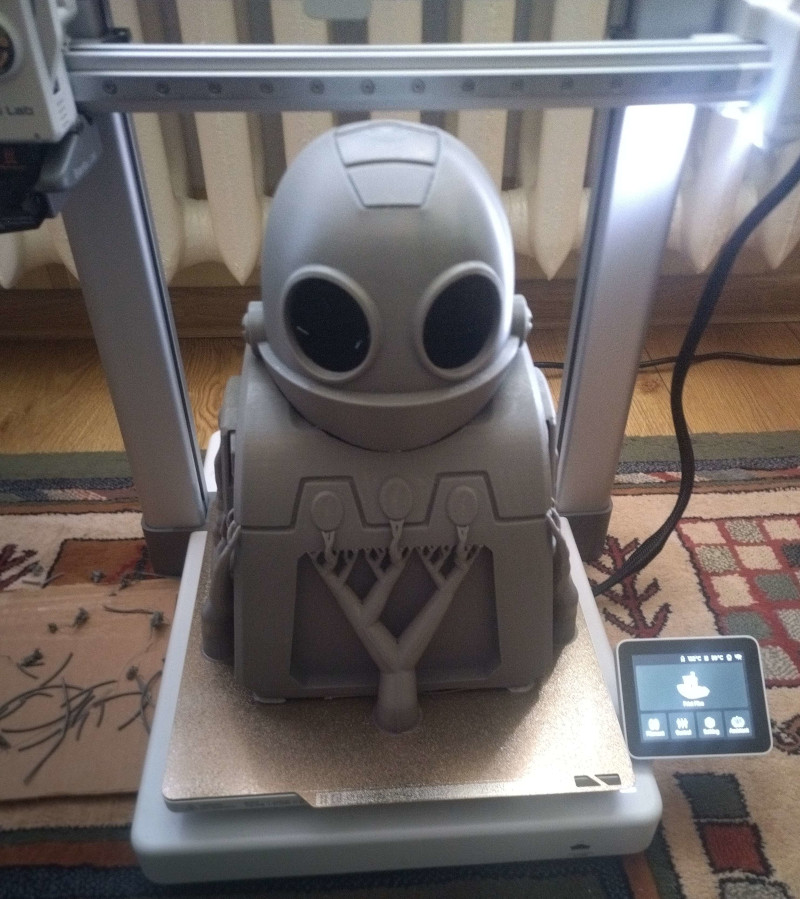
I bought a model from Etsy - sounds simple enough. One small problem though - the way this model was created is to be printed as a few cenimetres tall, solid, fully filled inside figurine of Clank you'd put on your desk, not something that's 40 cm in height.
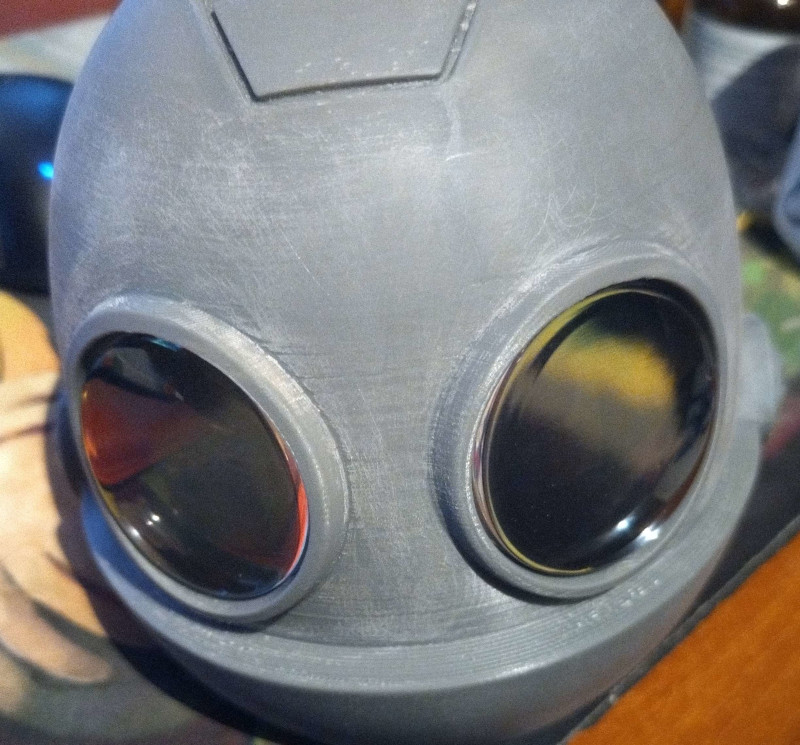
I had to modify the model - detach his head from the rest of his body and then make both the head and body "hollow" to put all the hardware inside. I also needed to make holes in his head for eyes.
You know the difference between sphere and spheroid? Those kind of models don't have anything inside and you have to create the "walls", add some thickess to the edges.
Holy shit that was a lot of work. I had no experience with Blender at all, I didn't even know how to start, but pushed through it. Lots of manual work was needed to make this work as all the automated tools built into Blender weren't very helpful.
Normals were all over the place on some of the elements - mostly around his head and near the hands. I don't have a lot of screenshots from this process - it was tedious, time consuming and unpleasant.
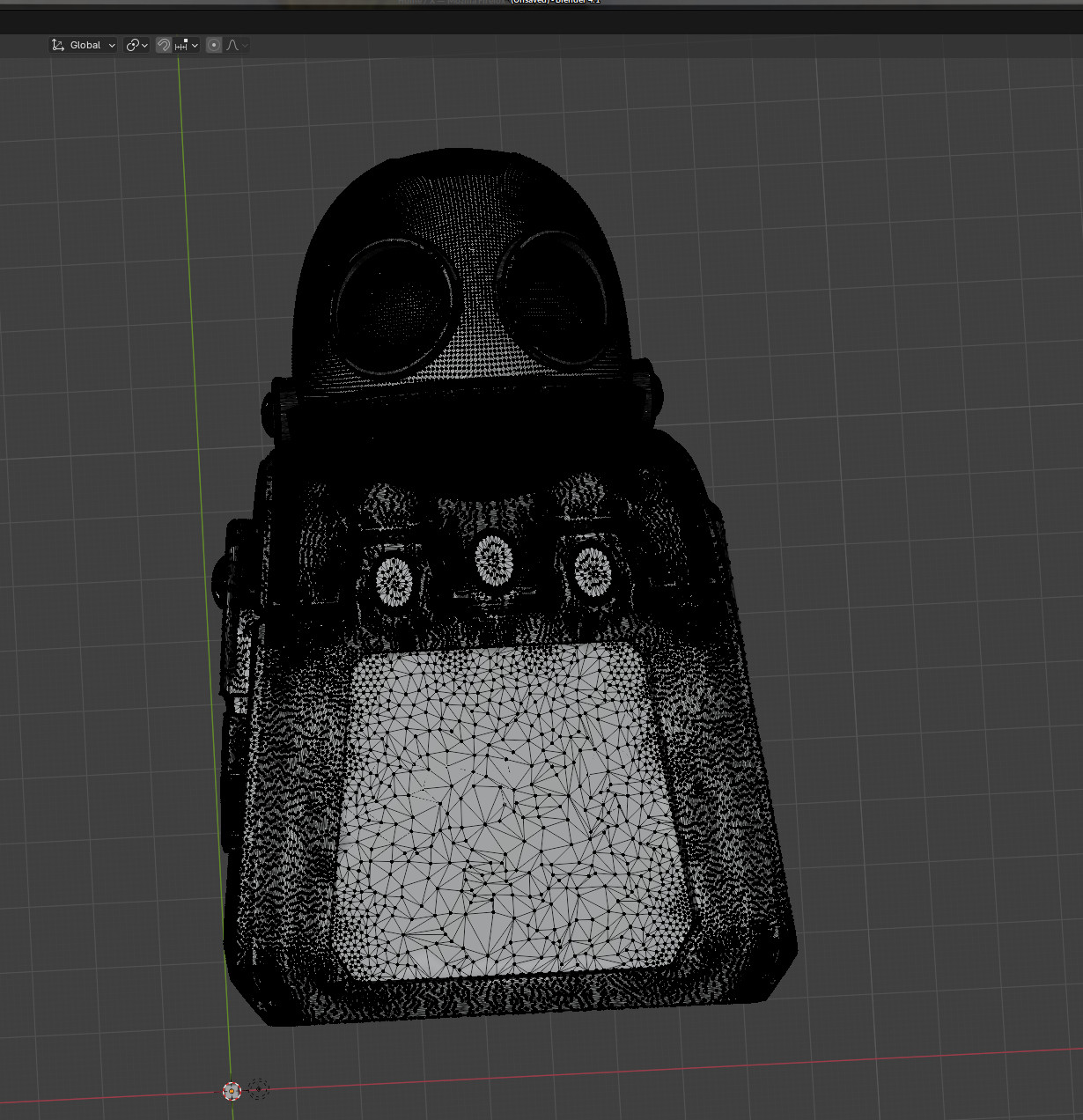
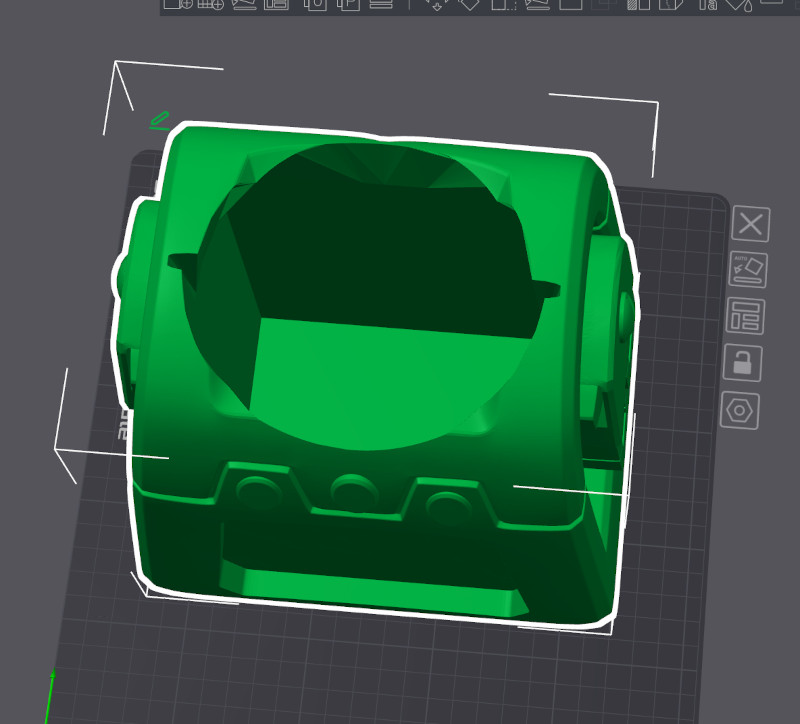
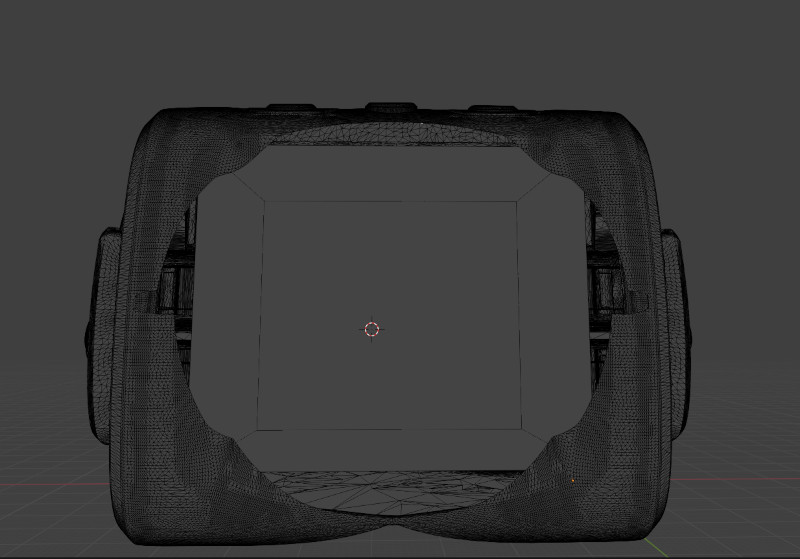
And after that I had to print it. I've managed to reduce the printing time of the body part to around 18 hours - that still meant overnight printing. Pretty scary, I've had a few failed prints before, but thankfully this one went without hiccups.
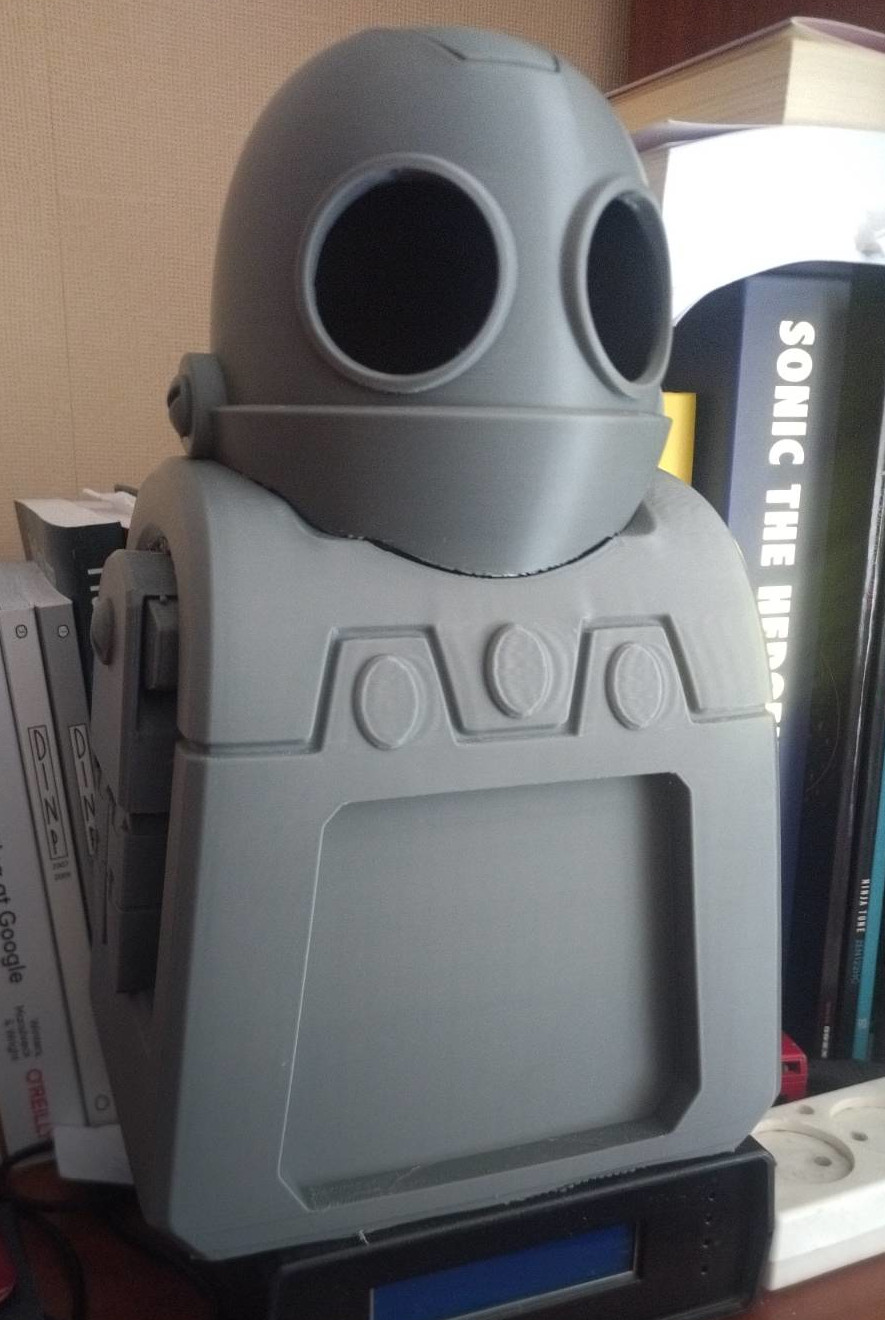
Eyes
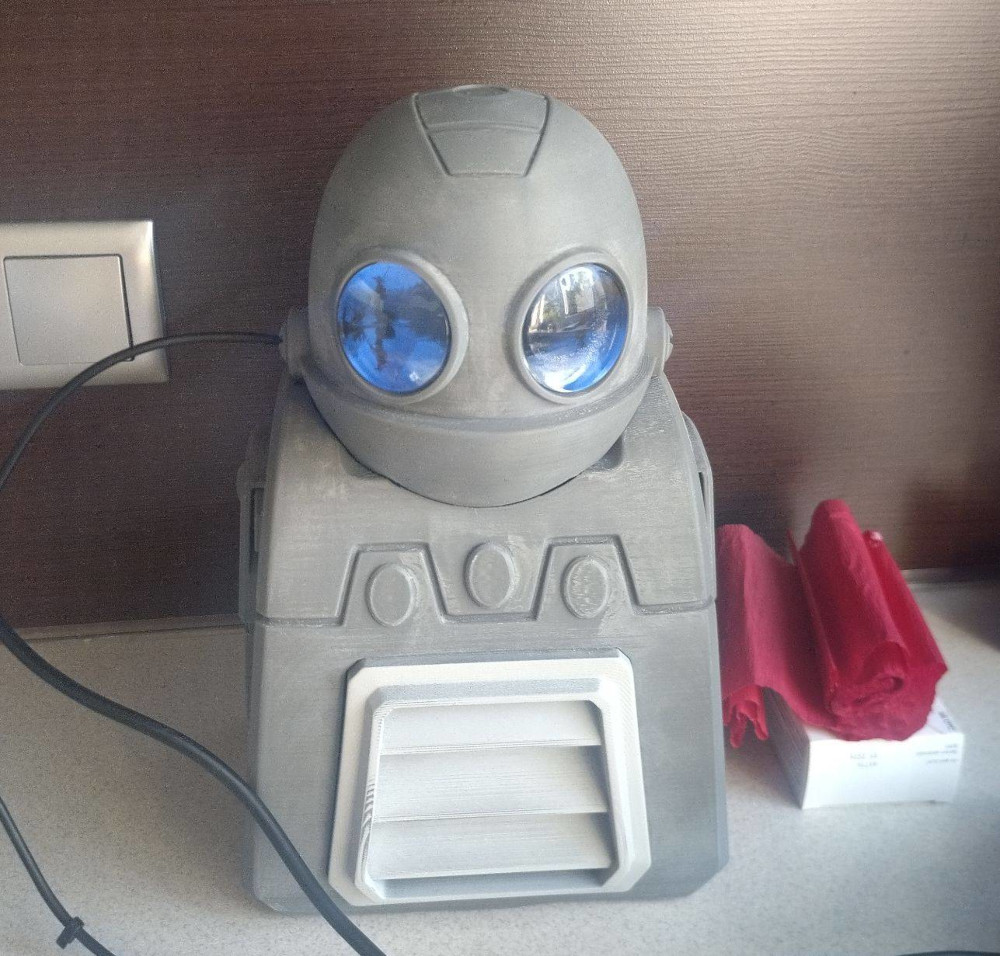
No animatronics here. The eyes are basically two small round IPS displays that are playing a video with simple animated expressions on a loop.
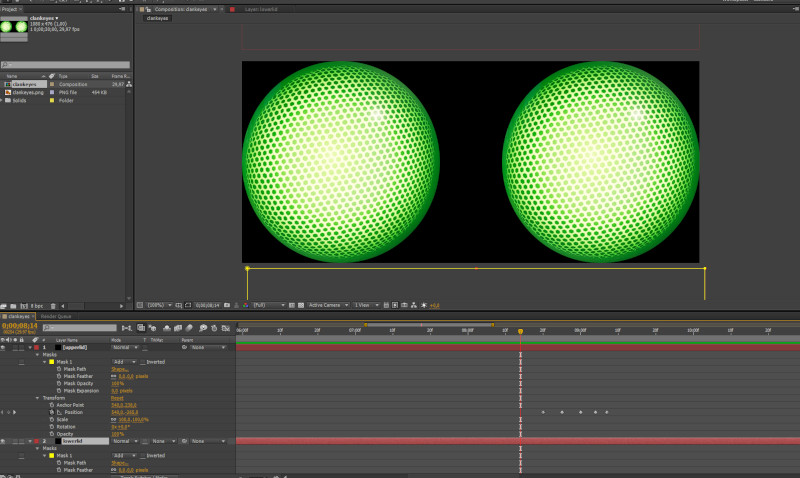
The animation itself was fairly easy to create - I've used a generic video editor. Black bars are moving across the image of a green eye to create expressions.
Both displays are connected by USB and HDMI to a RaspberryPi 4 running default Raspbian.
Raspberry Pi 4 has 2 HDMI outputs, so one for each eye/display. The virtual display is stretched across both eyes, so the video player just plays one video file for both eyes.
Because I positioned and then glued the lenses inconsistently across both eye displays I had to reposition the animation for each eye in the video. I did that because the space inside Clanks head was limited and the displays had to be moved to one side a little so they wouldn't overlap each other.
No doubt this effect could be achieved with cheaper hardware for sure, but that would require more time which I didn't have. I decided to go with what I knew - Linux, video player, two displays - simple enough.
After booting and starting the window manager a simple bash script executes:
#!/bin/bash
export DISPLAY=:0     # use default display
xrandr --output HDMI-2 --rotate inverted
xrandr --output HDMI-1 --rotate inverted  --right-of HDMI-2  # both commands set relation of displays
mplayer eye.mp4 -ao none -fs -vo sdl  -loop 0          # start mplayer playing the video with eye animation on loop

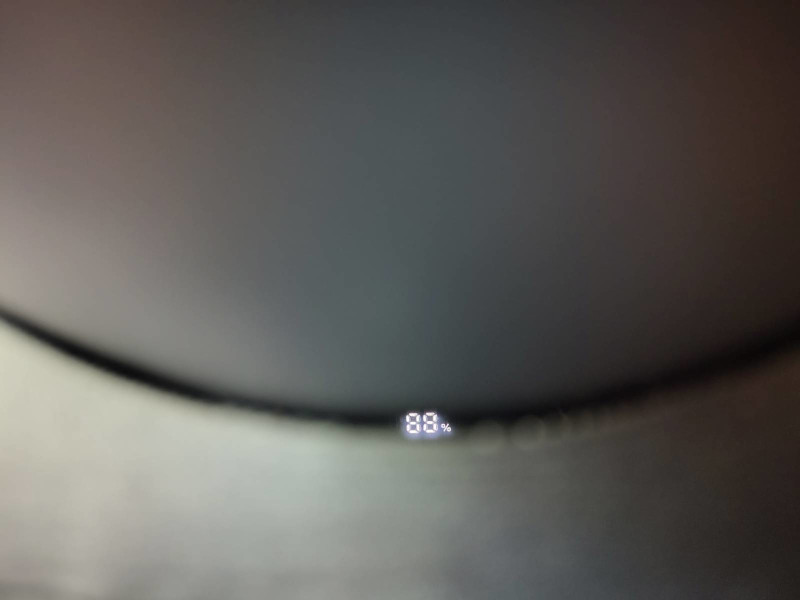
Last picture shows how the power bank is mounted inside so that the power level indicator is visible through the little gap between his head and the rest of his body - very useful. It was not intentional - didn't plan for it :)
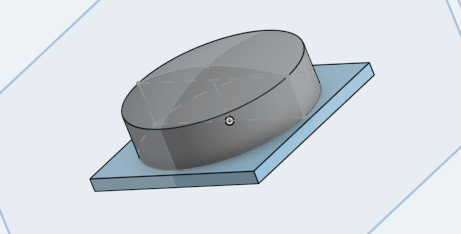
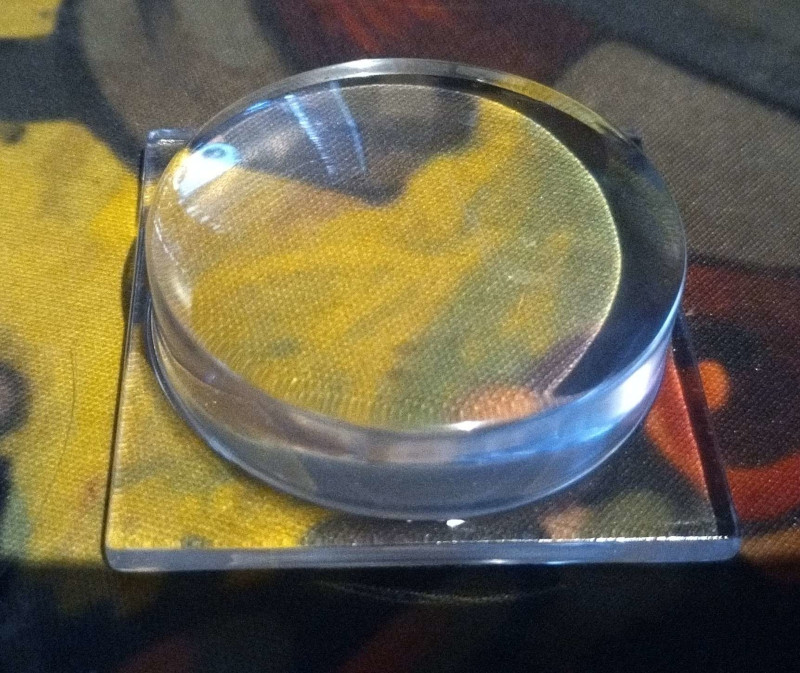
On top of those displays I glued two lenses I've created in a CAD software and ordered prints from PCBWay - they offer clean resin prints. I must have took perfect measurement as they fitted perfectly into the holes - I didn't have to do any additional mounts for them to hold inside.
They look perfectly clear and they do have a bit of magnifying effect. I was very happy with how these came out.
Back mount
Obviously I wanted to carry the little guy on my back so that required a back mount that would be strong and durable but also that would allow me to take him out of the mount easily.
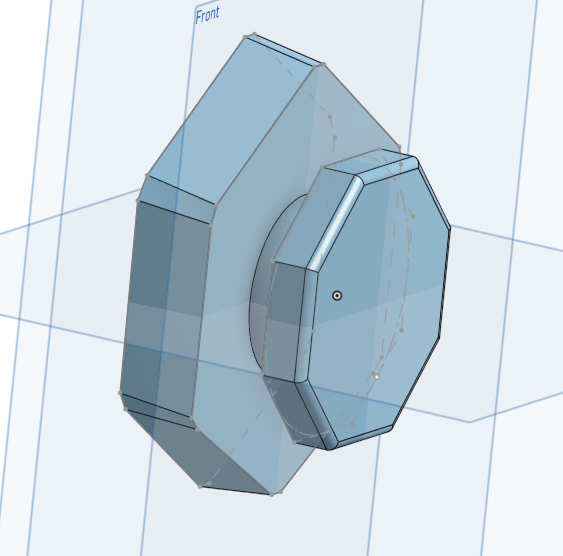
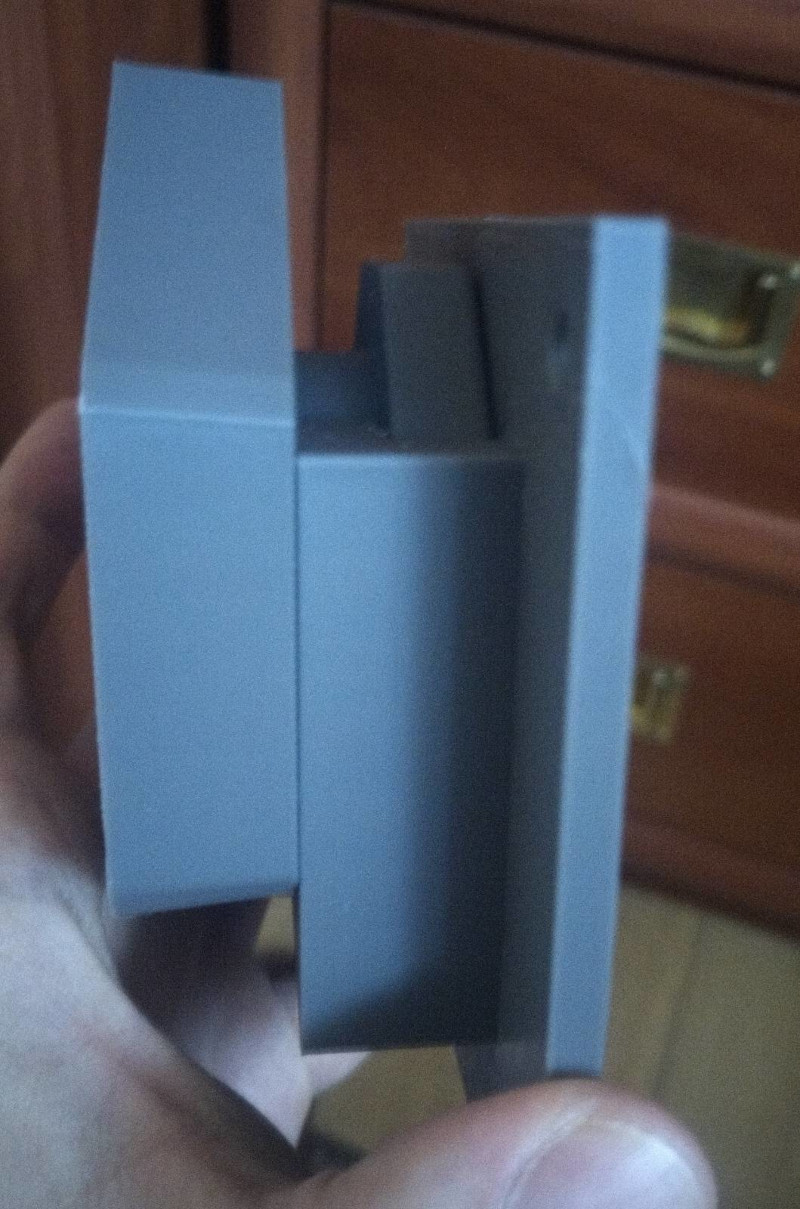
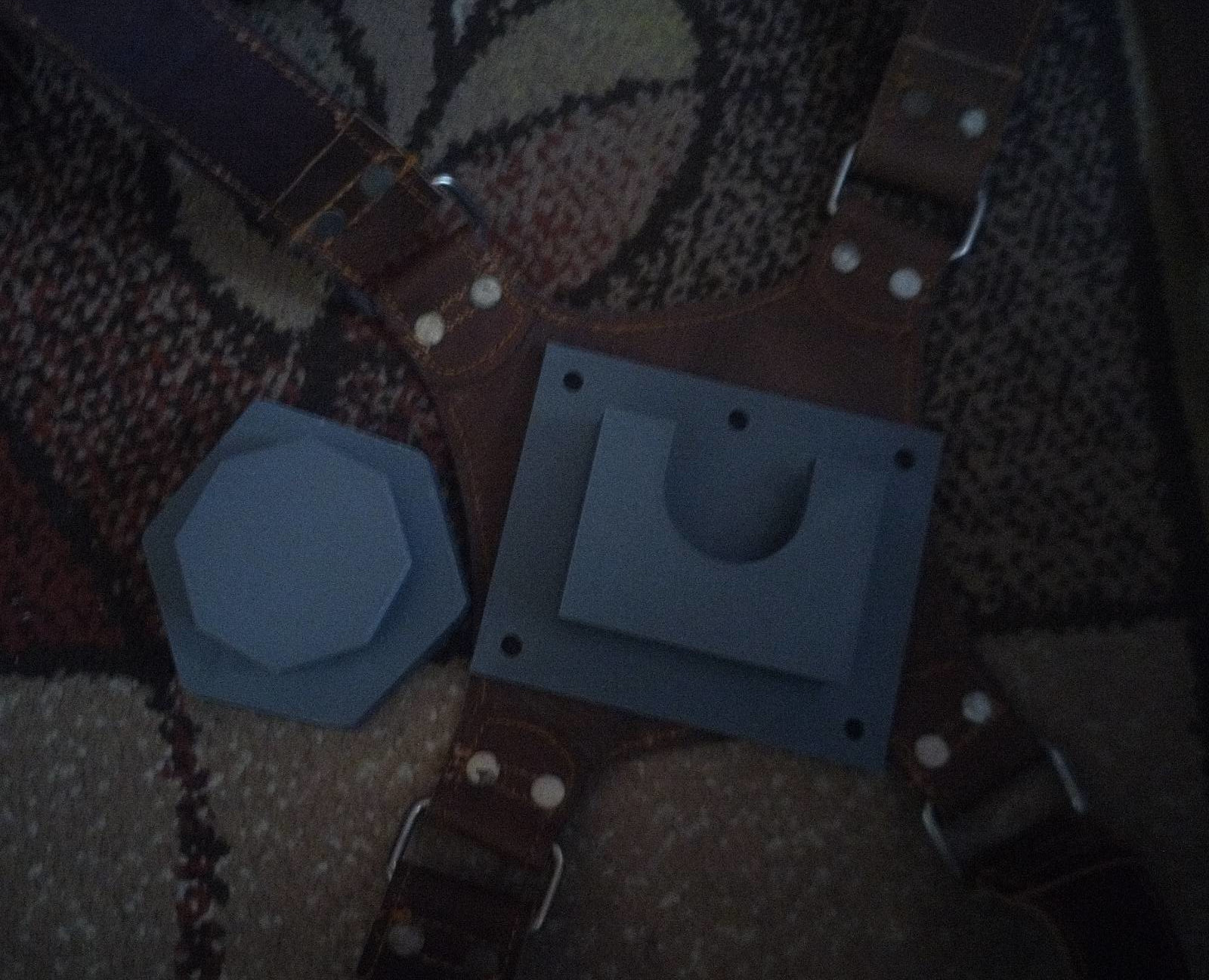
The model already had a hole in the back in which a hexagonal piece would be pushed into.
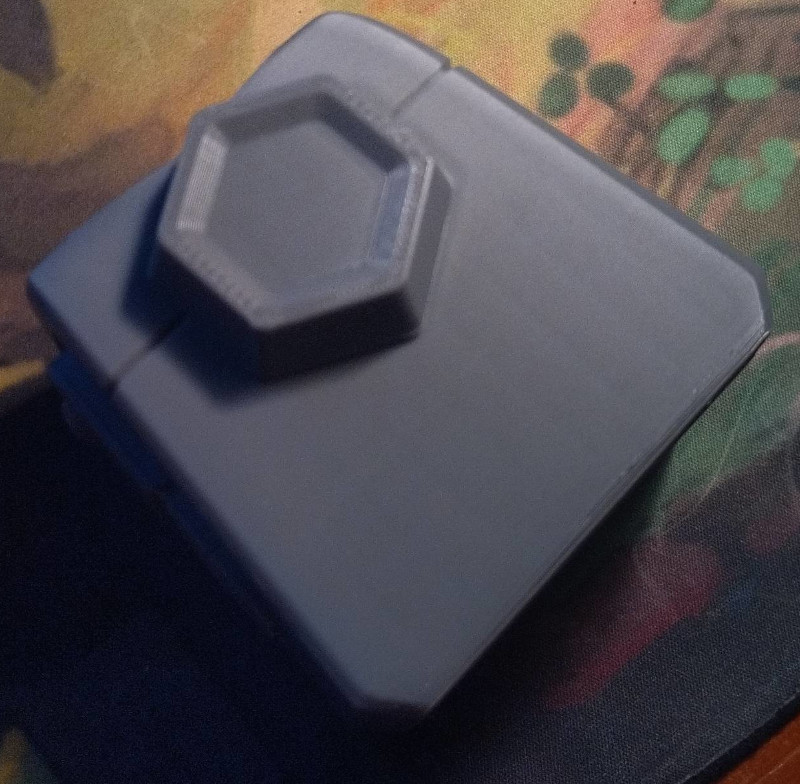
I decided to create a similar part in CAD software, add a little round distance and end it with similar hexagonal shape that would slide into a slot of a part I carried on my back.
I had to go through several iterations of this print, adjusting the measurements on some of the elements to make it as safe and robust as possible.
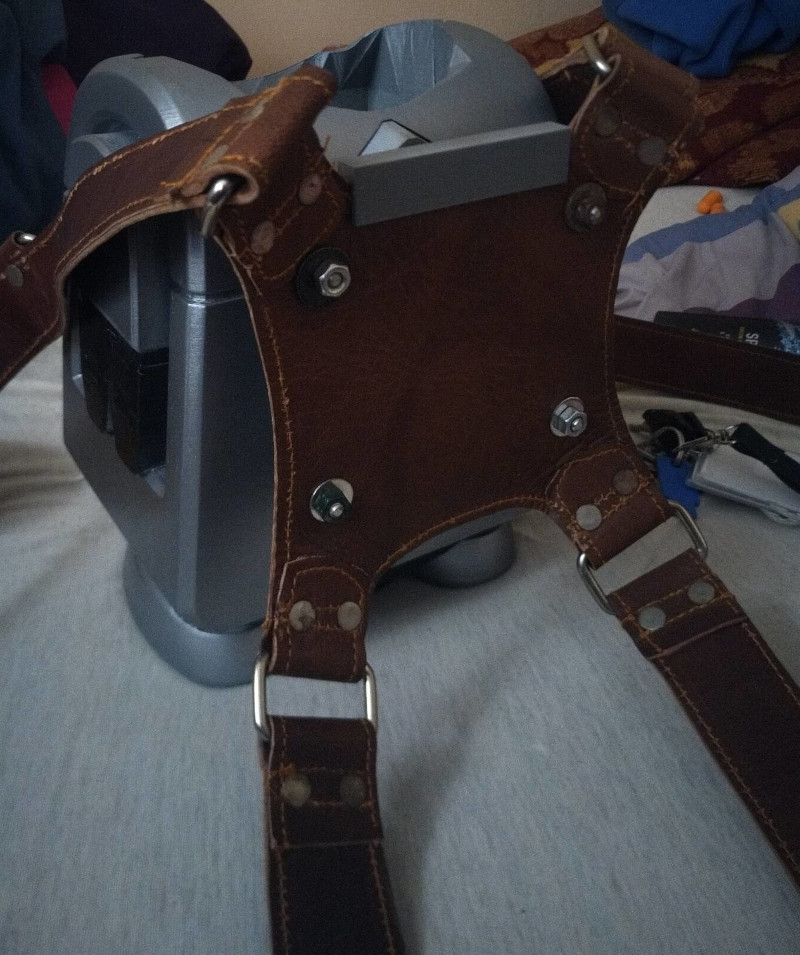
The harness itself is just a harness that professional photographers use to carry their cameras and accessories. Can't remember where I bought it - probably Etsy.
Nothing super fancy here - just a 3D printed "scaffolding" glued to the bottom of Clanks interior to make sure everything stays in place and doesn't move around.
It had holes for screws to hold RasberryPi 4, the battery (which is just a powerbank) and all the other components. There's also a very very small computer fan inside.
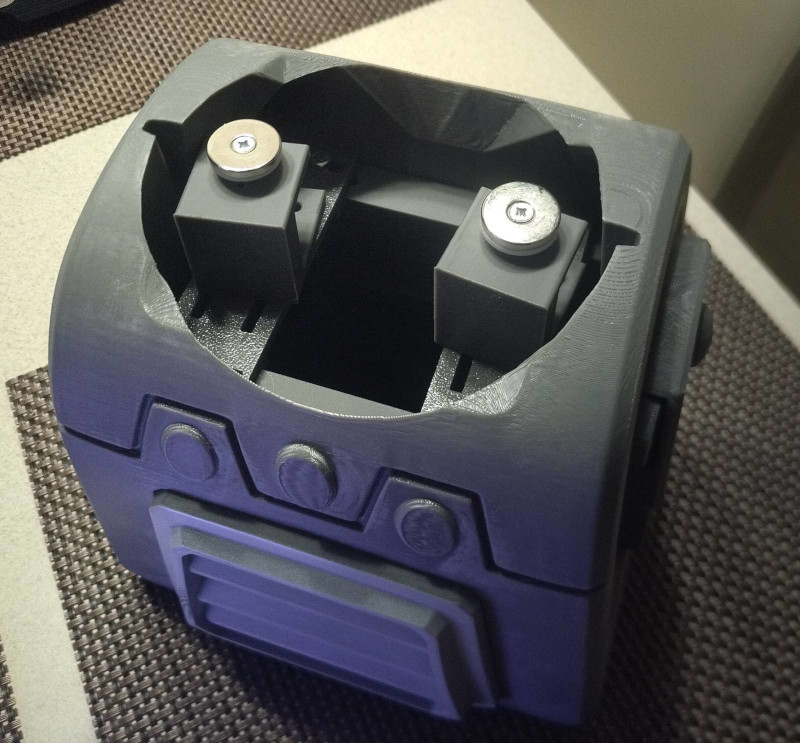
At the very top I've installed some additional mounts that would hold neodymium magnets holding Clanks head to the rest of his body.
I didn't want to use magnets at first but they turned out to be very strong despite not being very big.
However - they crack easily if they hit each other and they really do want to bump into each other, so later I put a bit of tape on top of them to make sure they don't have a direct contact.
Paint
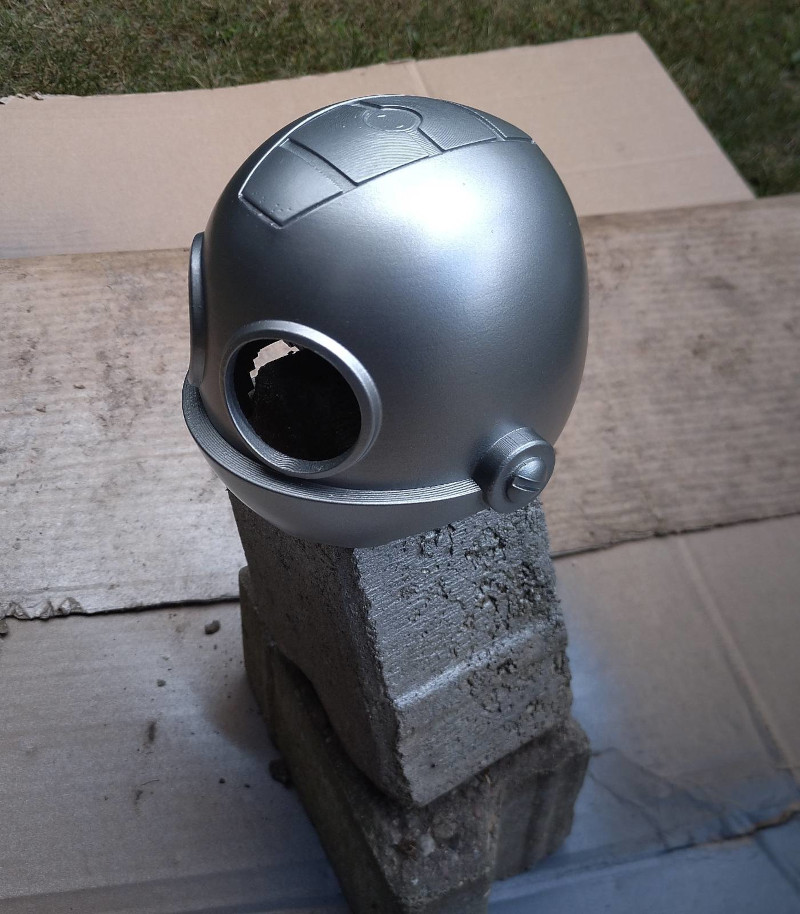
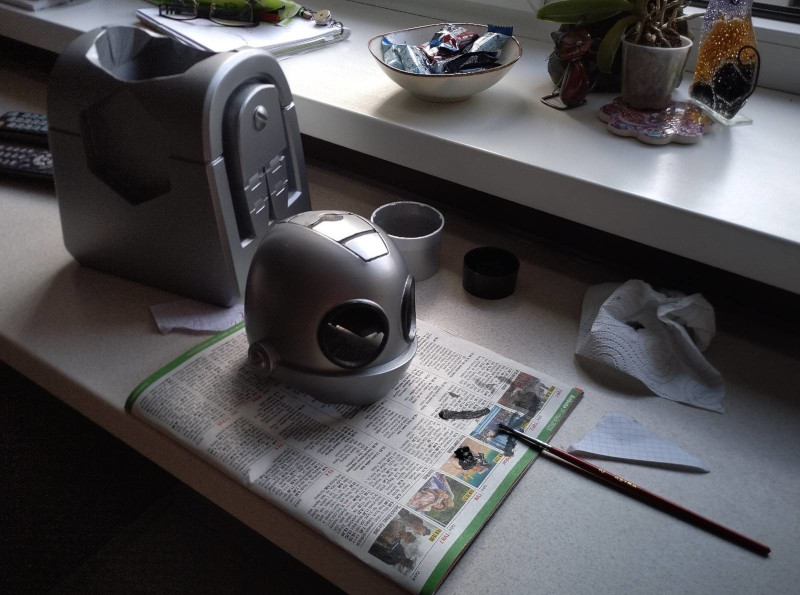
All that you'd expect - sanding, primer, sanding, paint and spray varnish. Details were done manually with a small brush and acrylic paints.
Always remember that primer and paint add some thickness to all the elements you put them on. It's a thin layer but can make a difference - always consider it when creating any 3D parts that move, slide into each other, etc.
It can really mess up your day.
Remember - when sanding and paiting - don't breathe that stuff in! Use proper filtering masks, protect your eyes and skin.
OmniWrench
This is one of the easiest parts. Insomniac Games, in their RACRA cosplay guide, provides a zip file containing all the STL files required to 3D print and build a complete OmniWrench.
The parts are small enough for small bed printers and the model has an option to make the wrench light up - there are holes for cables, switch, a place for LEDs and batteries
- due to the lack of time, however, I decided to not install that option.
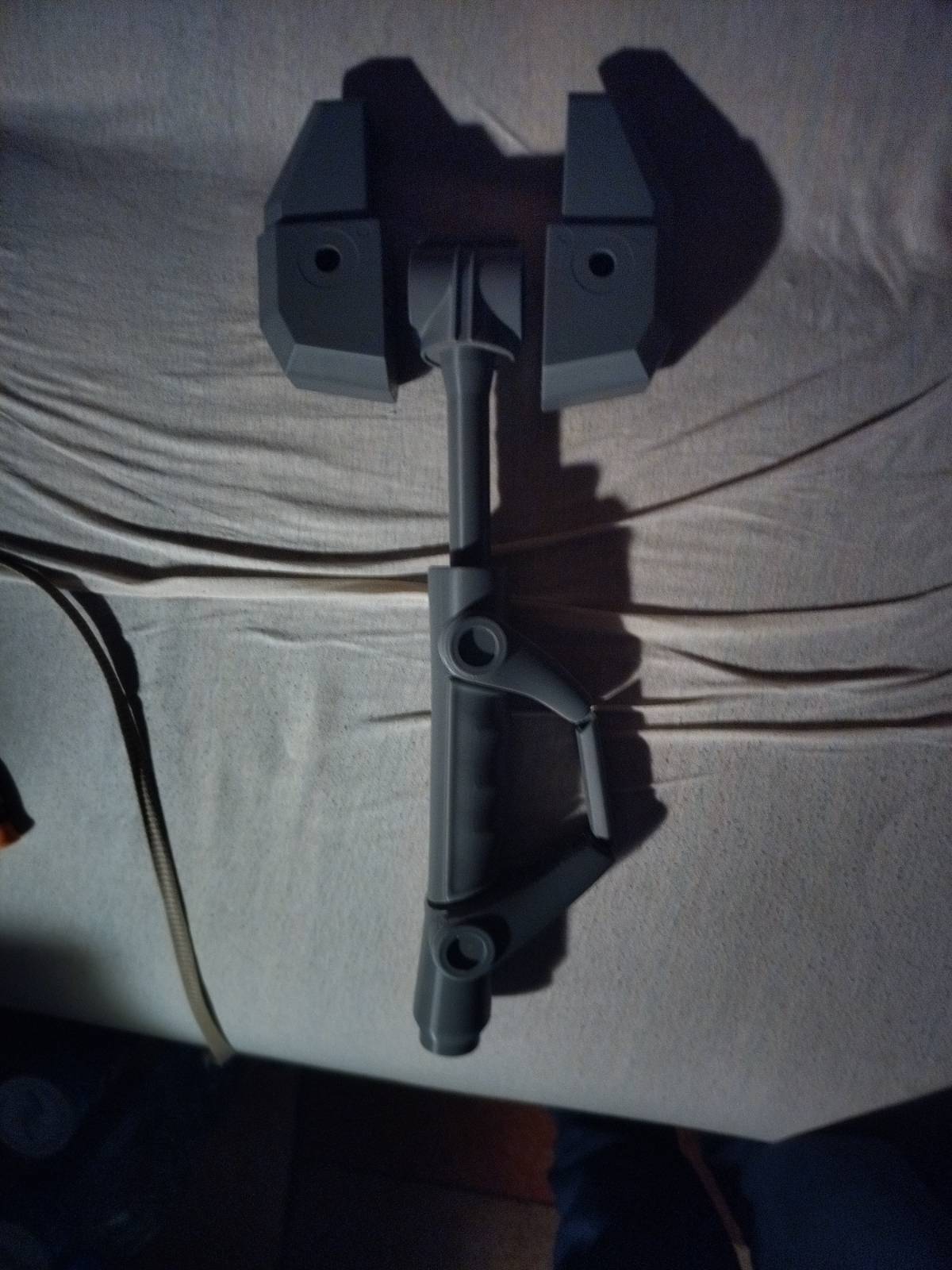
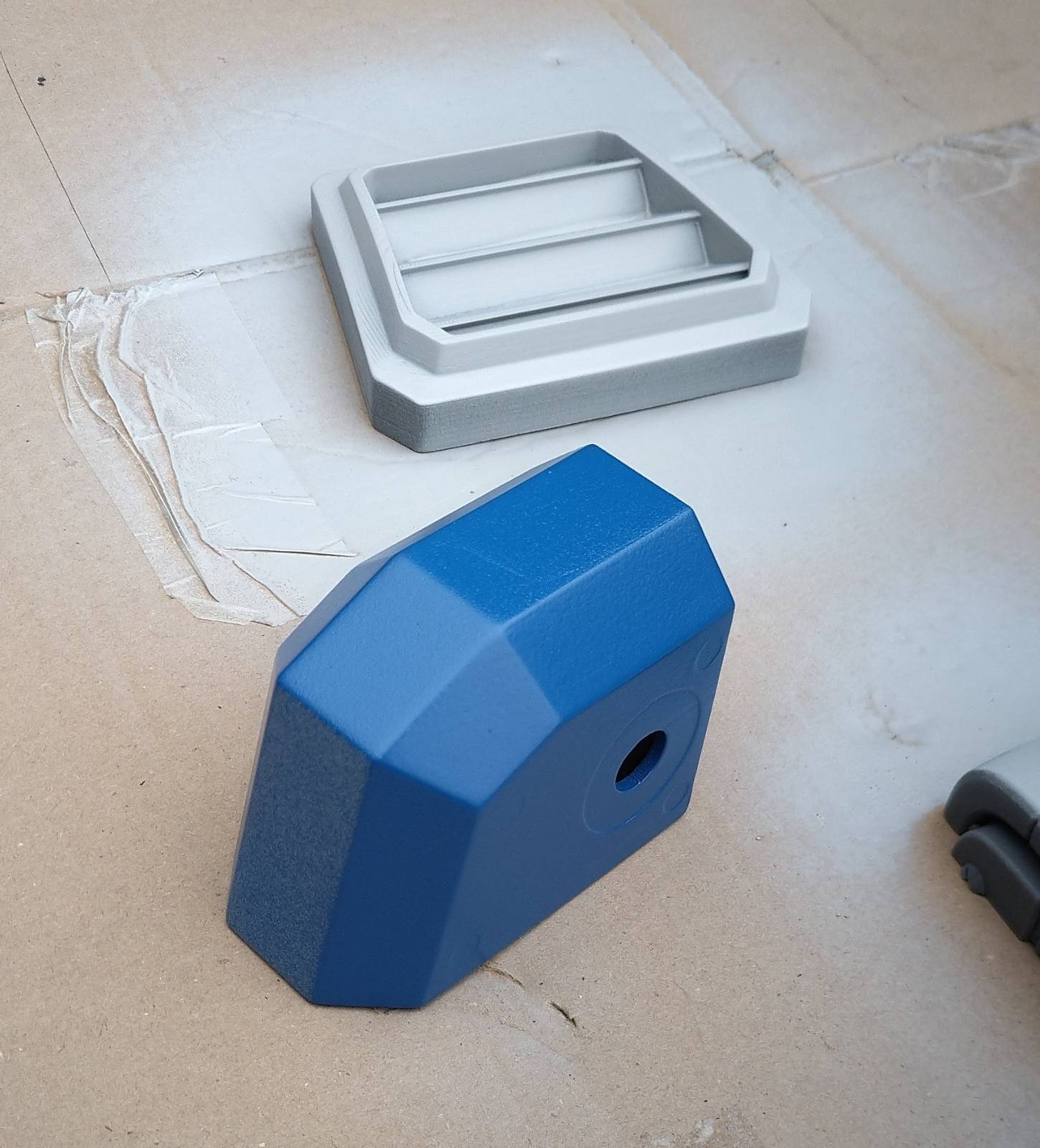
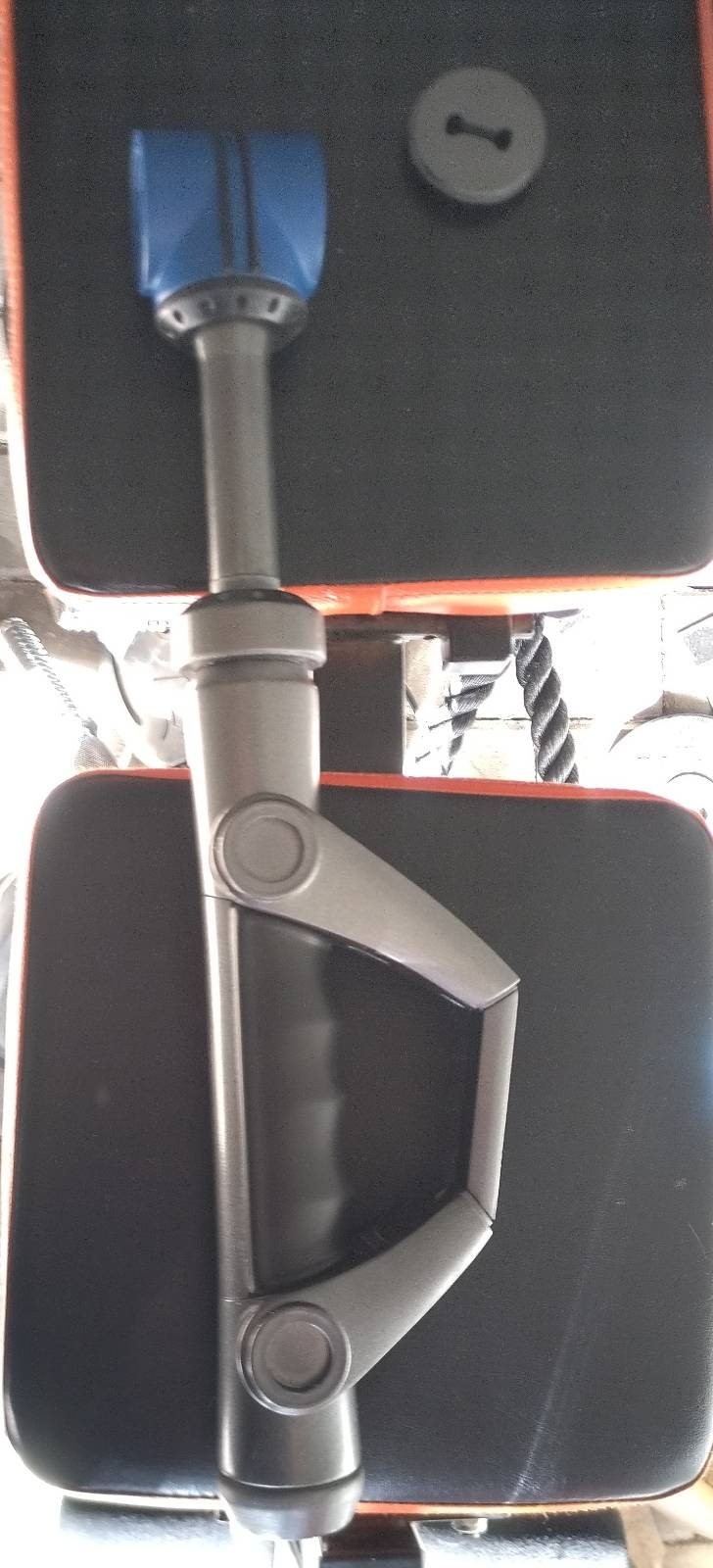
The handle was sprayed with a rubber spray which coats the plastic with a thin layer of rubber. Mind you the spray is really toxic - make sure you wear all the protective gear whey you're sanding and painting your prints!
Cap-ears and tail
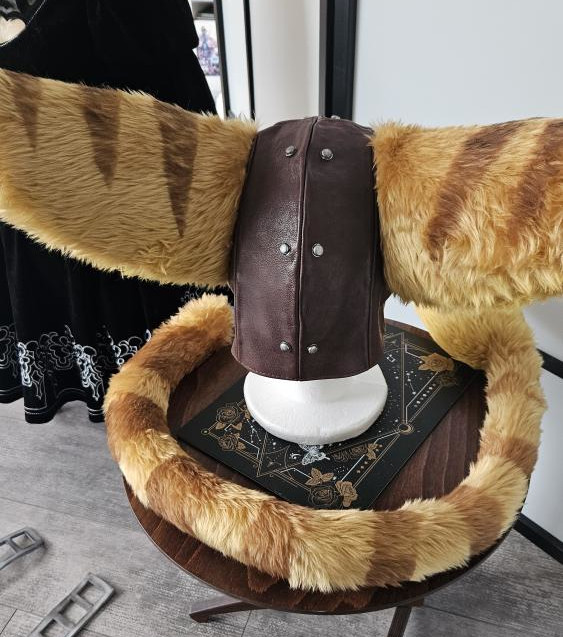
Wait - actually - this part was the easiest one. I comissioned a cosplay artist to do those for me - I wouldn't even now where to start.
All the hard work was done by @lady_kohorta on IG.
The rest of it
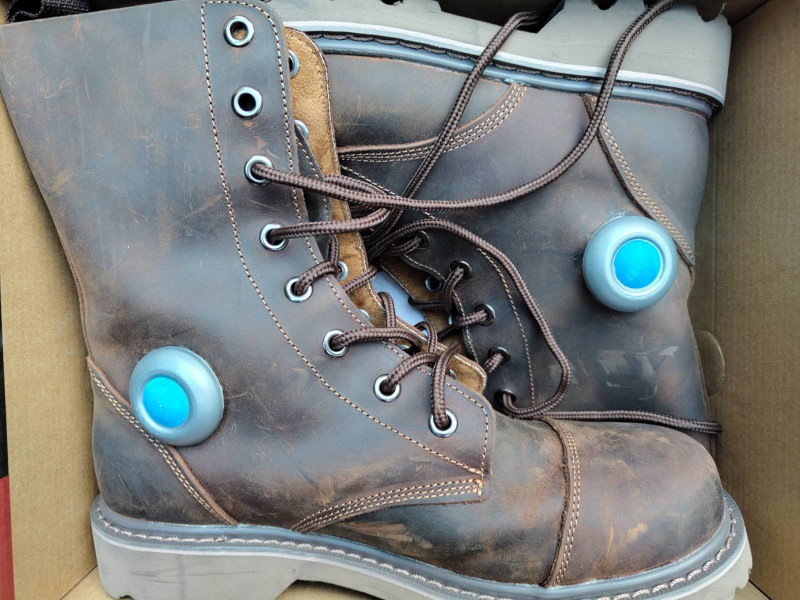
Things like... I don't know - the belt buckle, the chest thingy, the thingies on his boots - fairly easy shapes to recreate in CAD software. Especially with the help of aforementioned RaCRA cosplay guide from Insomniacs.
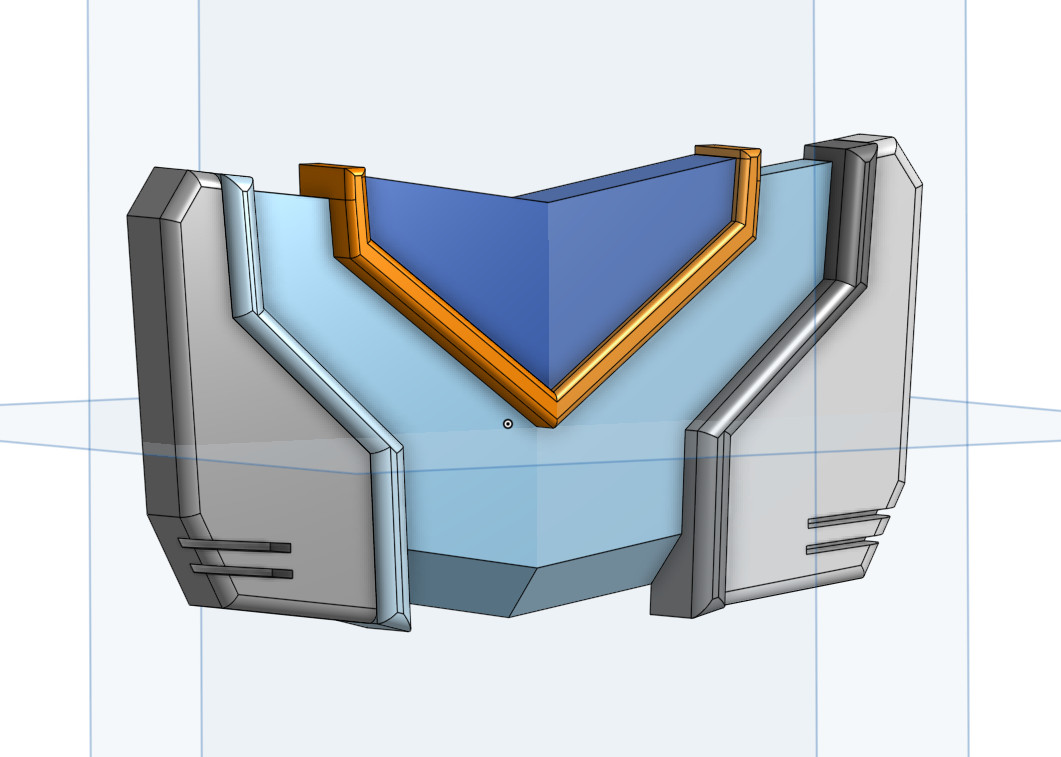
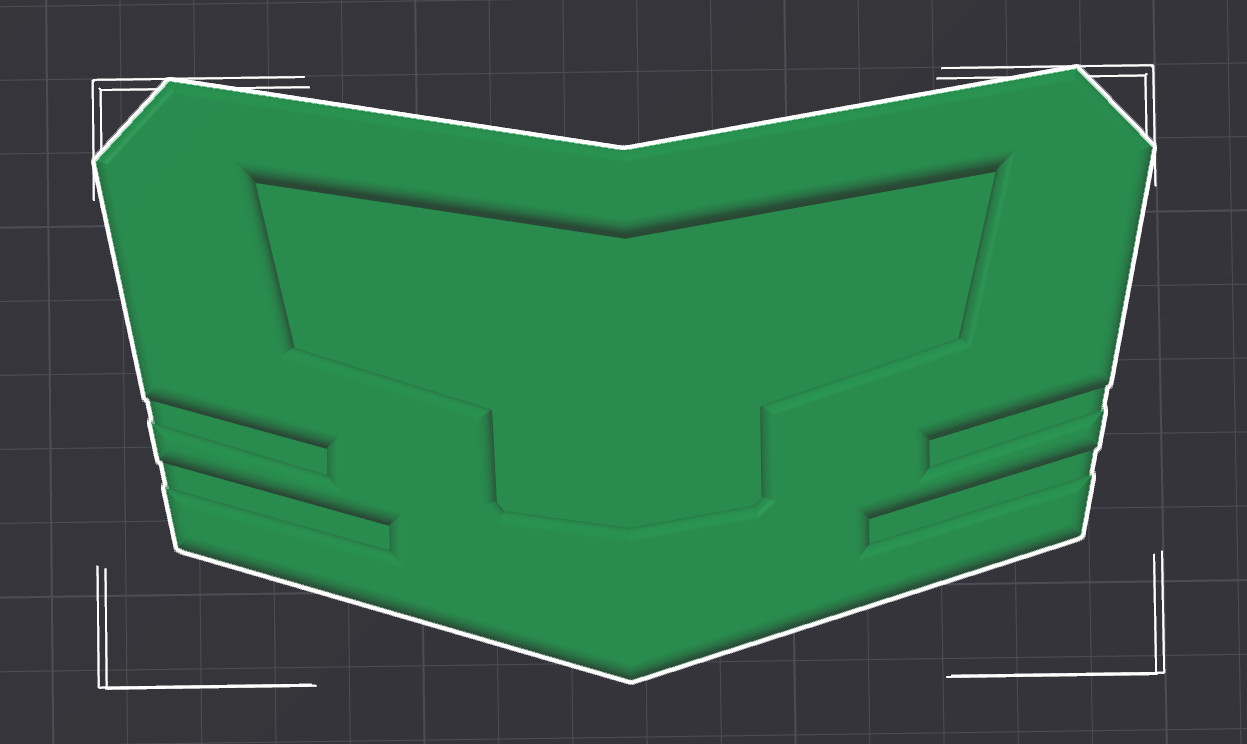
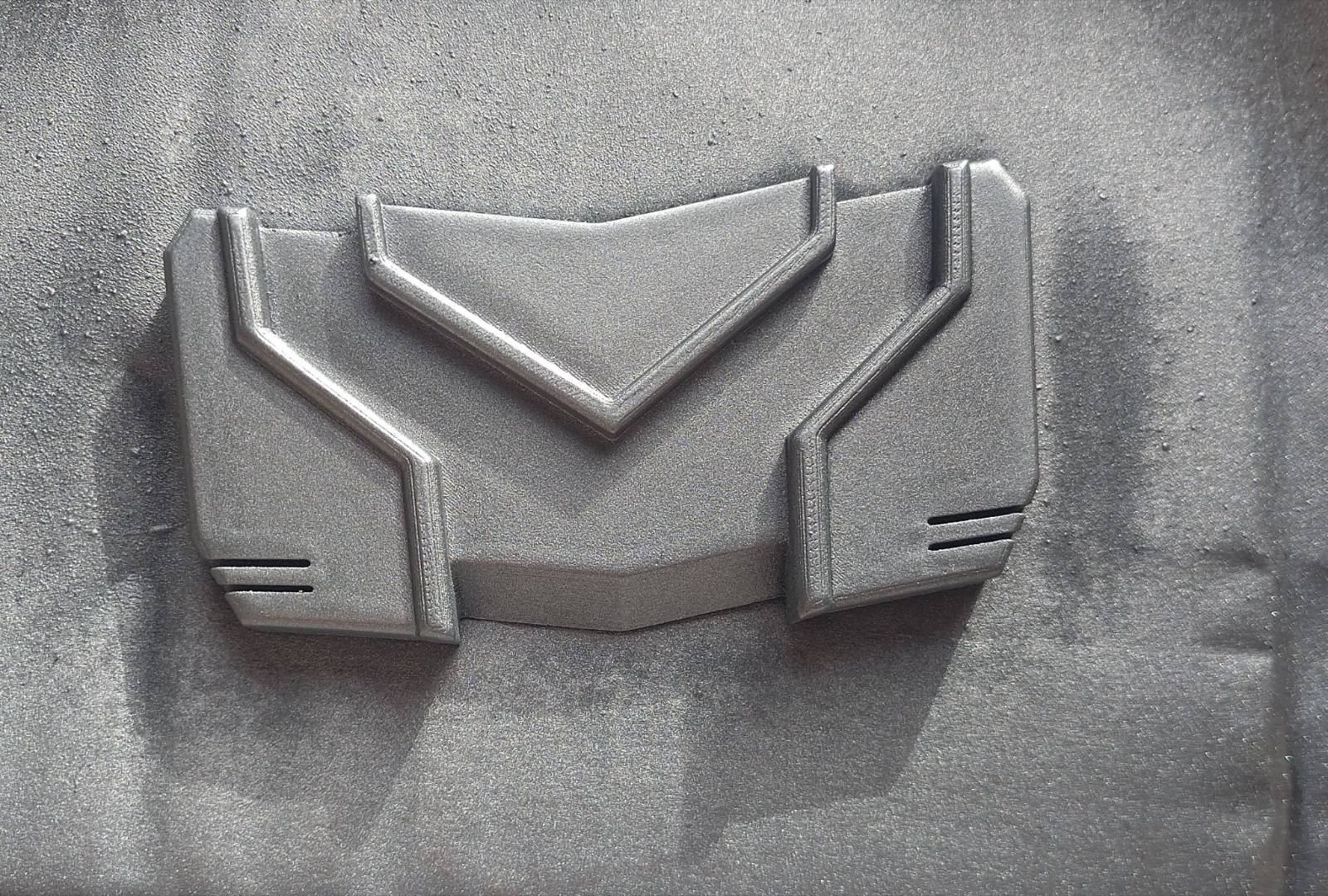
I was fairly naive making the first iteration of those boots thingies - I tought the glue would be enough to keep them in place, but obviously they fell off fairly quickly after walking around the convention.
Anyways - the second iteration is using screws and washers to keep them where they are.
Well, that's pretty much all.
That was my first attempt at cosplay, I've never done anything like this before, not all went smoothly but I'd say it went pretty well. My cosplay was featured on Insomniac Games website - I couldn't ask for a better recognition.
I like the franchise a lot, I love the characters and their story - the friendship between space cat and a talking toaster pushed me to do this thing I wouldn't otherwise dared to do.